Master Table
The Master Table combines entries from all Tables in the organization.
Use it when you need to:
- search across all tables,
- review all entries for a date range,
- scan duplicates across tables,
- view insights,
- reconcile across all tables,
- export a filtered cross-table report.
Entries View
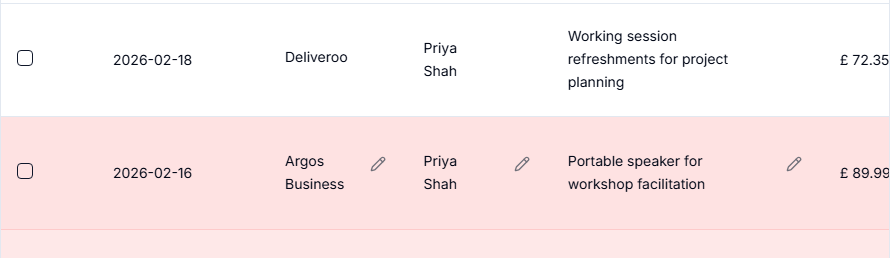
Entries view shows all non-duplicate entries across Tables. It includes table context so you can see where each entry came from. Its summary also includes refund totals and a Personal breakdown; see Table Summary.
Insights View
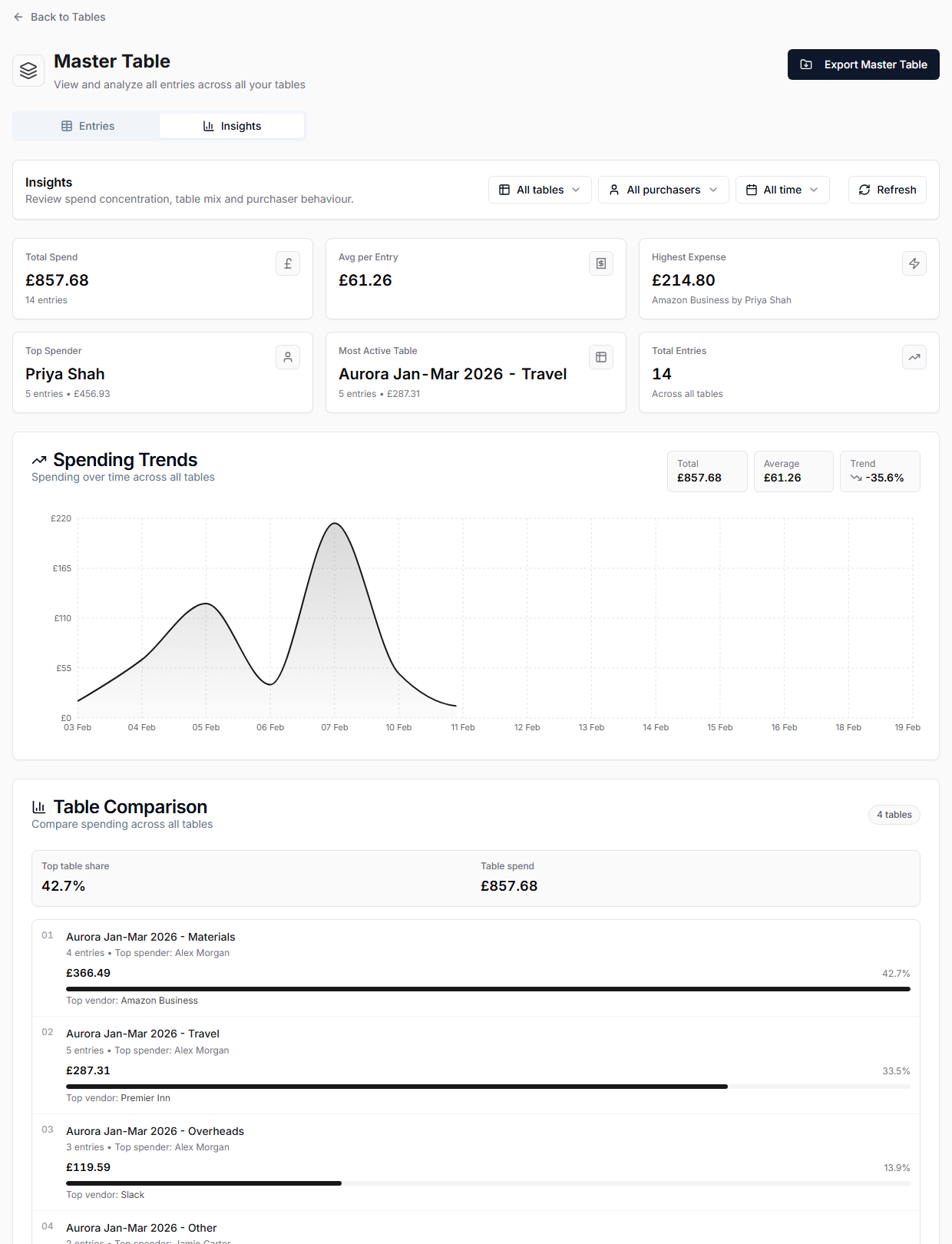
Insights gives higher-level views of spending. Use filters for tables, purchasers, and date presets where available.
Reconciliation View
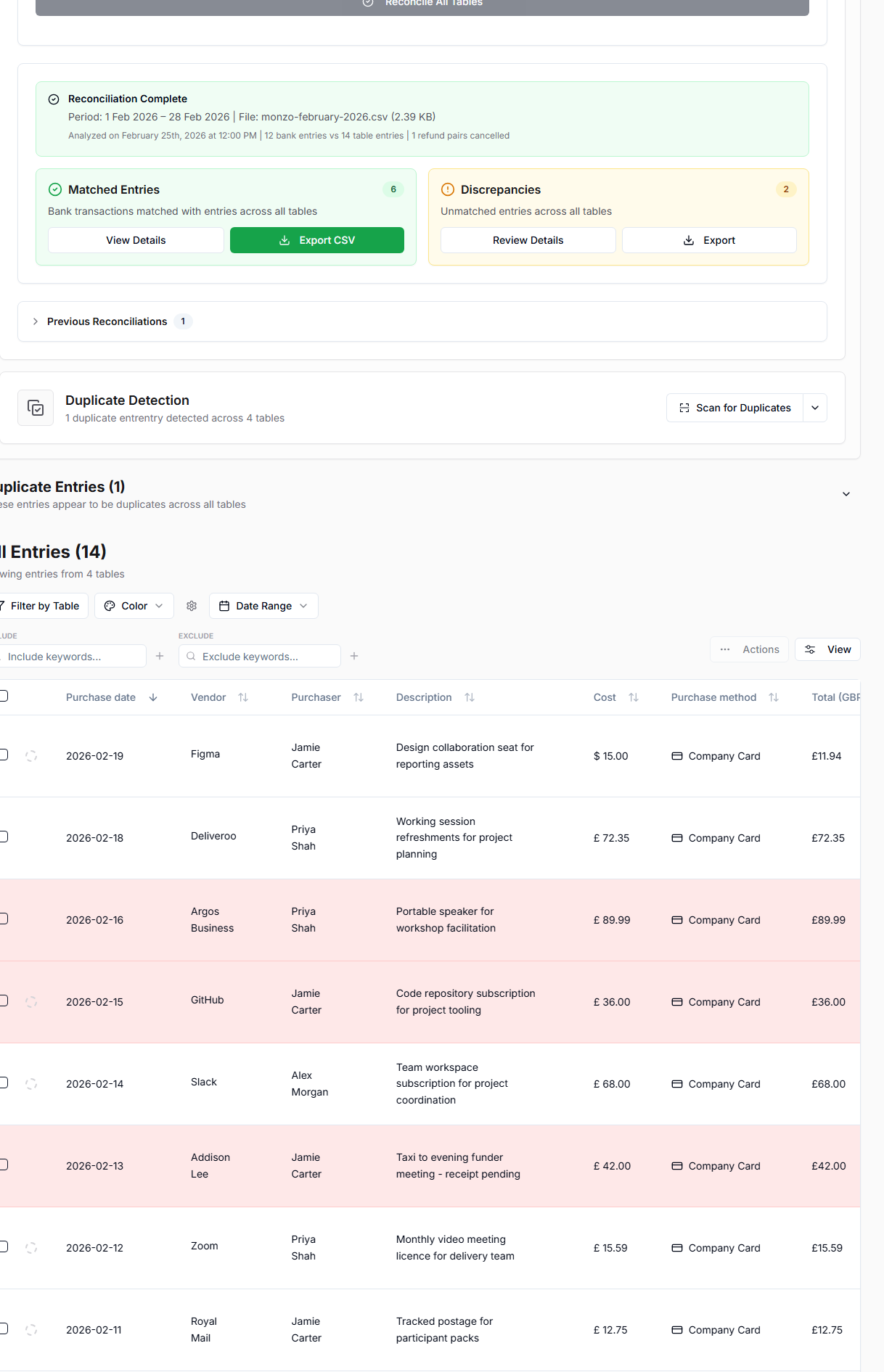
Master reconciliation matches a bank statement CSV against entries across all Tables for a selected date range.
Open Review tools above the entries and find Master Bank Statement Reconciliation. It is separate from the Entries and Insights tabs.
Export Master Table
Master export can filter by:
- selected Tables,
- grant,
- purchaser,
- start date,
- end date.
Use the preview counts to check that the export scope looks right before downloading.