Step 5 of 8 · Tutorial: Process a Month of Receipts
Categorise and Review the Batch
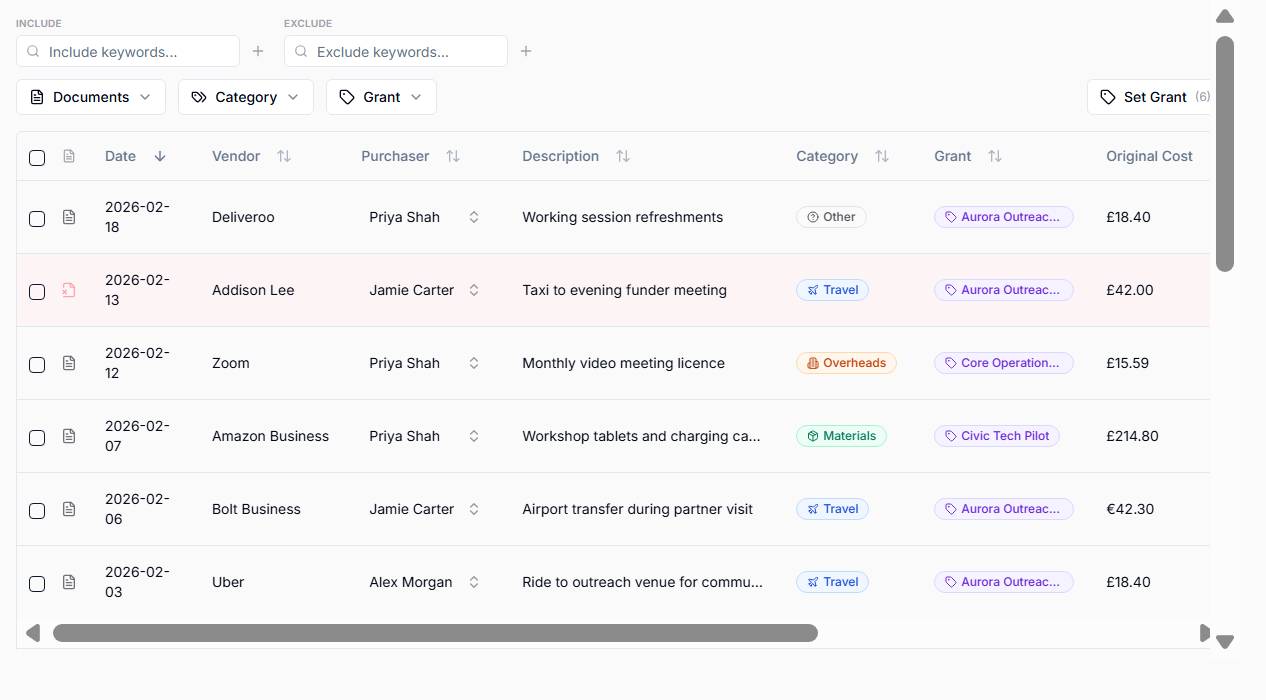
Use the batch Categorise or Re-categorise action before saving. Categories decide which entries go into Travel, Materials, Overheads, and Other target Tables.
Check:
- entries with missing receipts or receipt warnings,
- money-in rows and refund pairs,
- purchaser names,
- VAT status,
- grants,
- categories,
- descriptions,
- conversion evidence for non-GBP rows,
- rows that should be excluded.
Set the grant before using the batch action to generate descriptions. Use the other batch actions to categorise entries, set purchasers, chase missing receipts or re-upload a newer bank export while the batch is still unsaved. Receipt amounts and VAT are checked during the import itself.