Topic 2 of 9 · Grants
Create a Grant
The grant wizard collects the funding details, reads your award paperwork, and writes the grant description for you. It has three steps: Details, Context & rules, and Review.
- Open Grants.
- Select Create Grant.
- Fill in the details, then select Continue.
- Upload the grant's paperwork and confirm its rules, then select Continue.
- Check the review summary and select Create grant.
Cancel returns to the Grants page without saving. If you try to reload or close the tab with unsaved work, the browser asks you to confirm first.
You cannot move between steps while files are uploading or the analysis is running.
The screenshots below show an existing grant being edited. The same three steps are used when creating a grant; the final button is Create grant for a new grant and Save changes when editing.
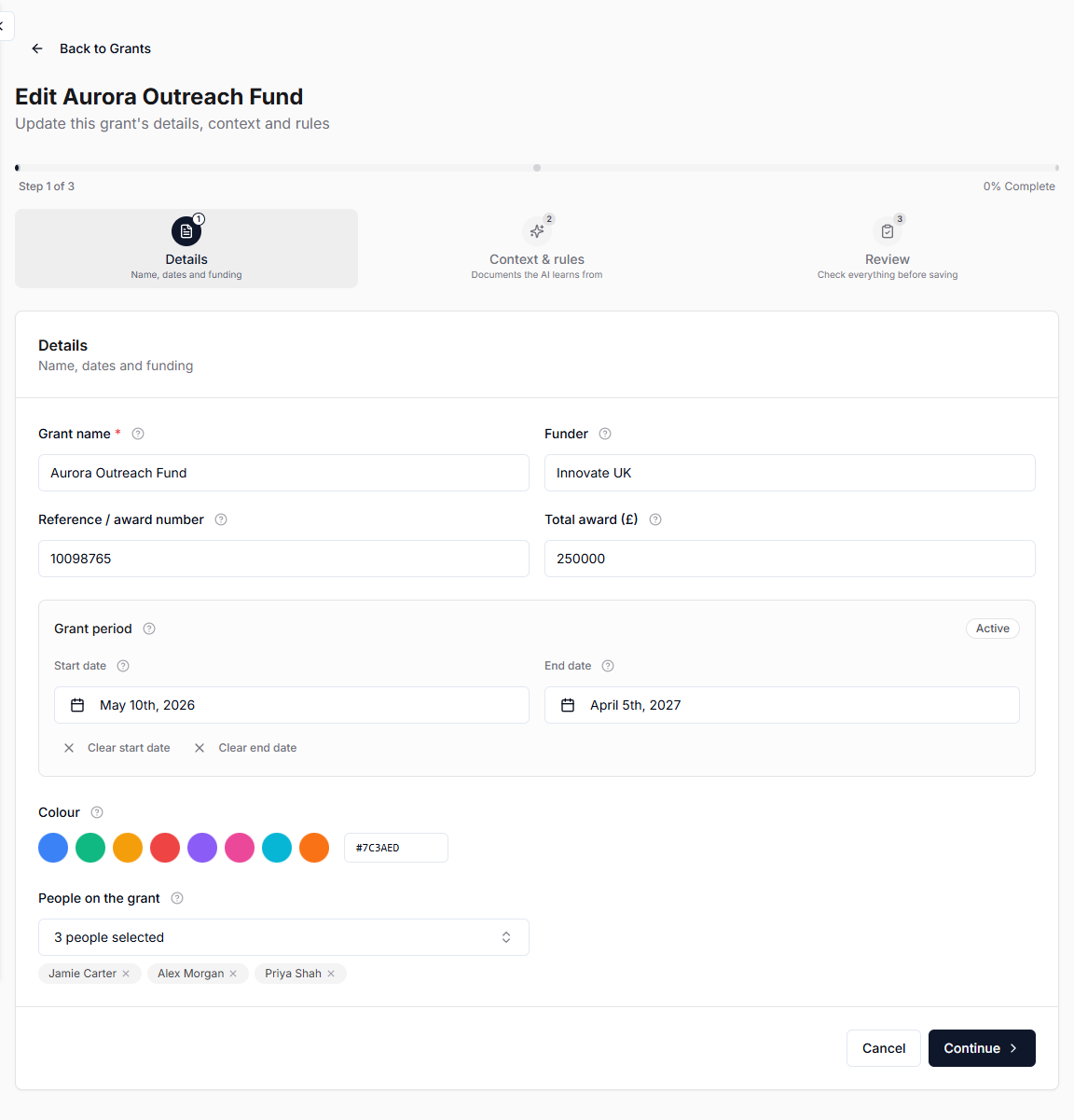
Details
| Field | Notes |
|---|---|
| Grant name | Required. This is what appears in the grant dropdown on entries. |
| Funder | The organisation providing the funding. |
| Reference / award number | The grant identifier from your award letter. |
| Total award (£) | The full award. Used to track spending against the funding. |
| Start date | The official start date. Expenses can be assigned before this date. |
| End date | The official end date. Late expenses can still be assigned for 7 days after. |
| Color | Pick one of your color flags or enter a custom hex code such as #7C3AED. |
| People on the grant | Pick from your purchasers. Anyone not set up as a purchaser can be added here. |
Leave both dates blank for an open-ended grant. A status badge next to the grant period previews how the grant will read once saved.
Commas and currency symbols pasted out of an award letter are accepted in the total award, so £250,000 is read as 250000.
The step will not continue if the grant has no name, the total award is not a number, or the end date falls before the start date.
Grant names must be unique within the organization. Names belonging to retired historical grants are reserved, so use a distinct award name or reference if one is rejected.