Topic 4 of 9 · Grants
Review and Save a Grant
The final step summarises everything before the grant is saved, and flags what is worth a second look.
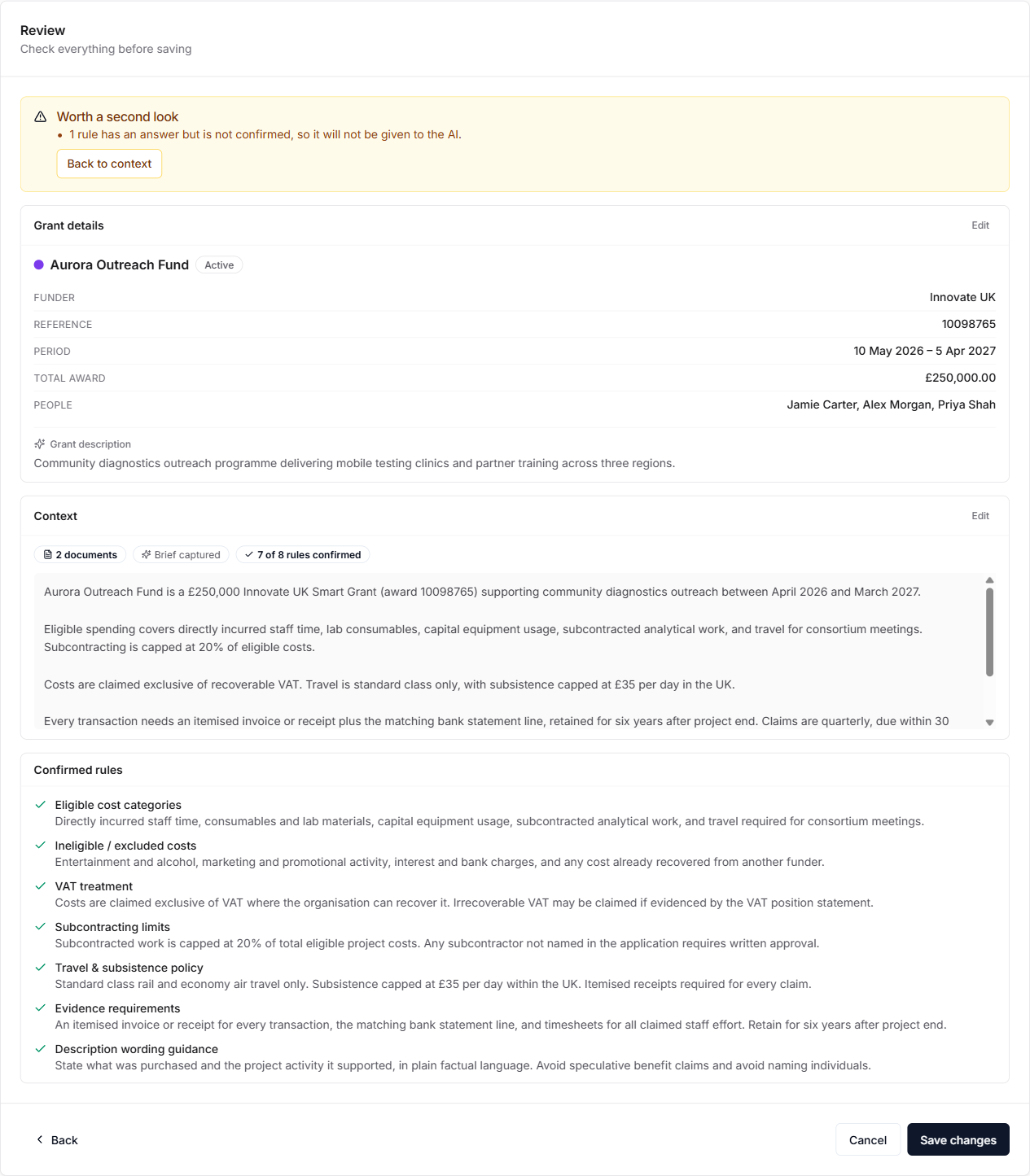
A warning panel appears when:
- no grant brief was captured,
- a rule has an answer but has not been confirmed, so it will not be given to the AI,
- a file could not be read.
None of these block saving. They are prompts to go back and fix something while it is easy.
Each section of the summary has an Edit link that jumps back to the step it came from.
Select Create grant to save. When editing an existing grant, the button reads Save changes.