Topic 8 of 9 · Grants
Grant Assignments
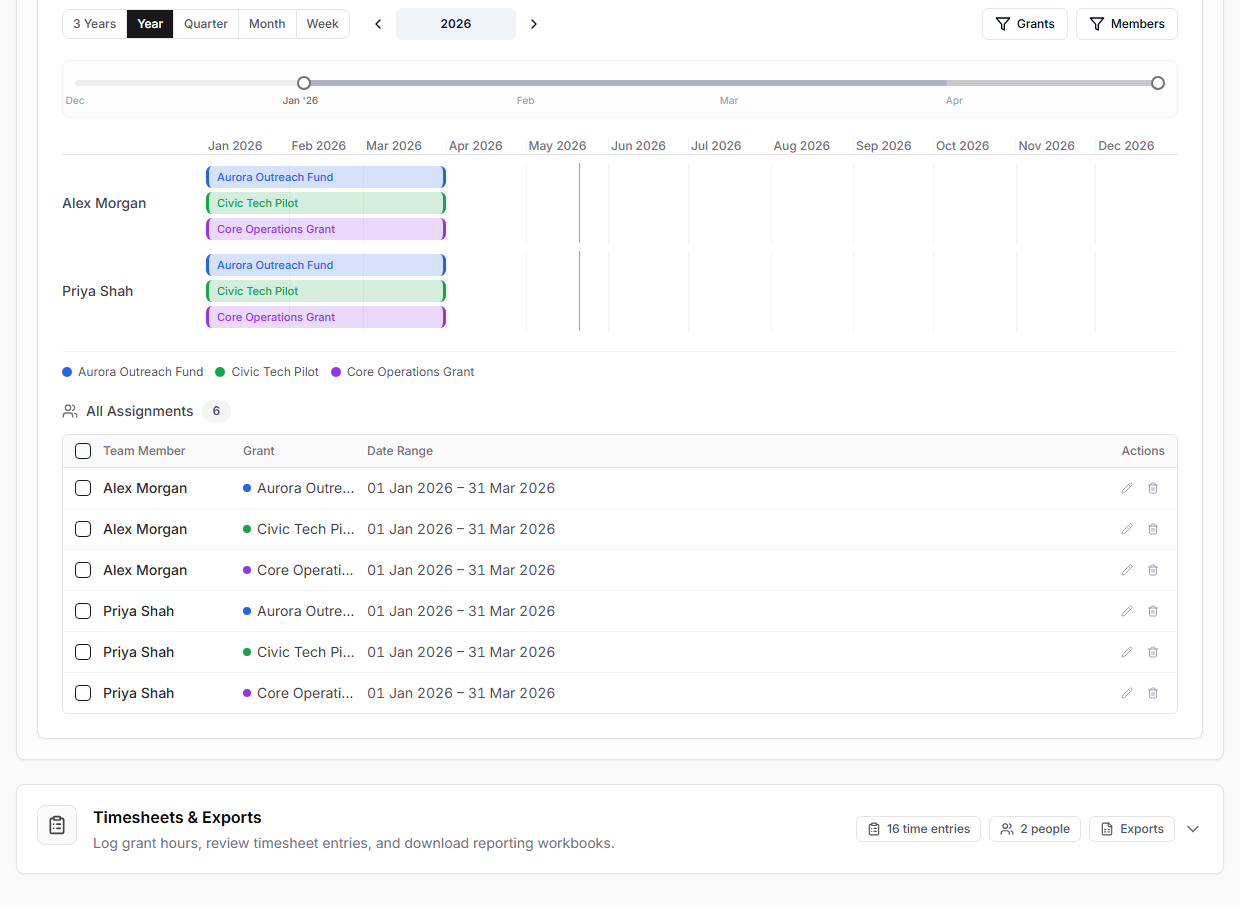
Grant assignments connect a purchaser to a grant for a date range. They are useful for timesheets and for understanding who was working on which grant at a given time.
Create an Assignment
- Open Grants.
- Scroll to Schedule.
- Select Add Assignment.
- Choose one or more purchasers.
- Choose a grant.
- Select the start and end dates.
- Review overlap warnings.
- Save.
Use the timeline controls to move between week, month, quarter, year, and wider views.